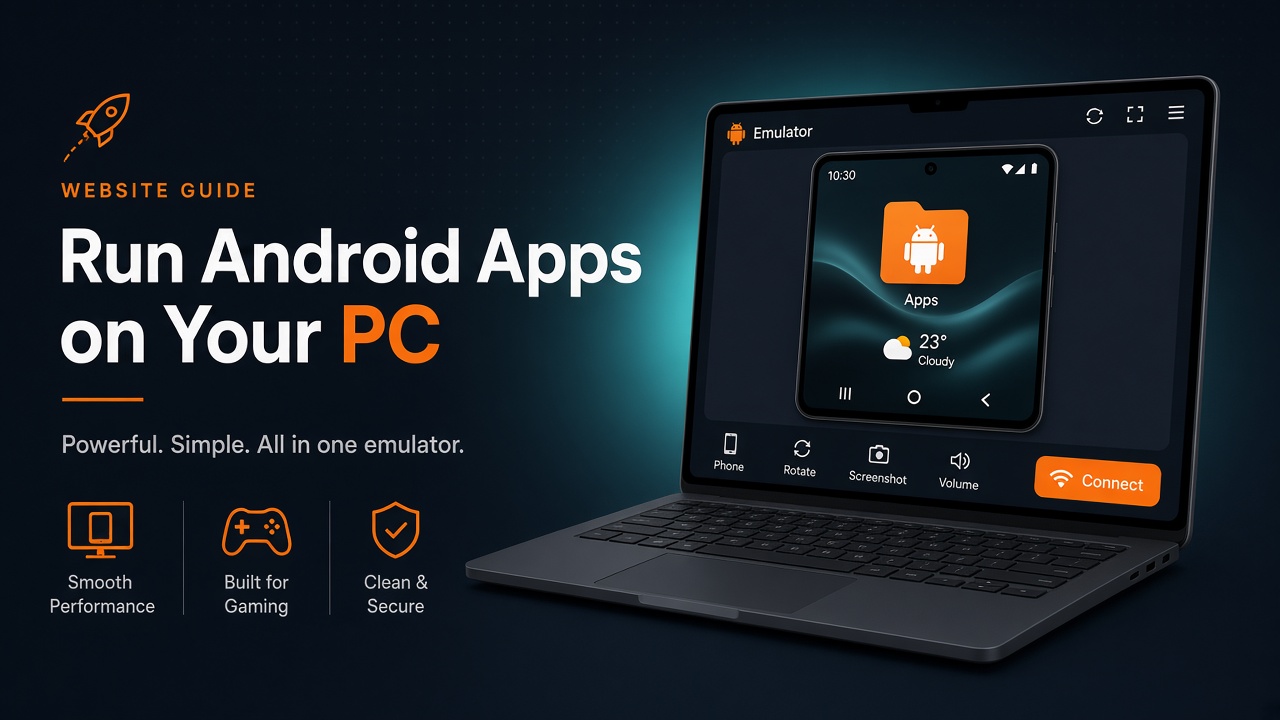
Windows does not install APKs natively. Use an Android emulator, then sideload the same file you would put on a phone.
Steps
- Install a current emulator (BlueStacks, LDPlayer, or similar) from the vendor’s own site.
- Download the APK through this site’s download page onto the PC.
- Drag the file into the emulator window or use the emulator’s APK install button.
- Open the helper inside Android, connect, then launch Free Fire in the same emulator profile.
Performance tips
Give the emulator enough CPU/RAM, and avoid running two tunnels at once (Windows VPN + in-Android helper).